BeginnerLesson 2 of 48 min read
Write an image prompt that produces something.
A course from the Academy: Understanding and creating images
Go to the quiz ↓An image prompt isn't written like a text prompt. You don't narrate: you describe what you'd see.
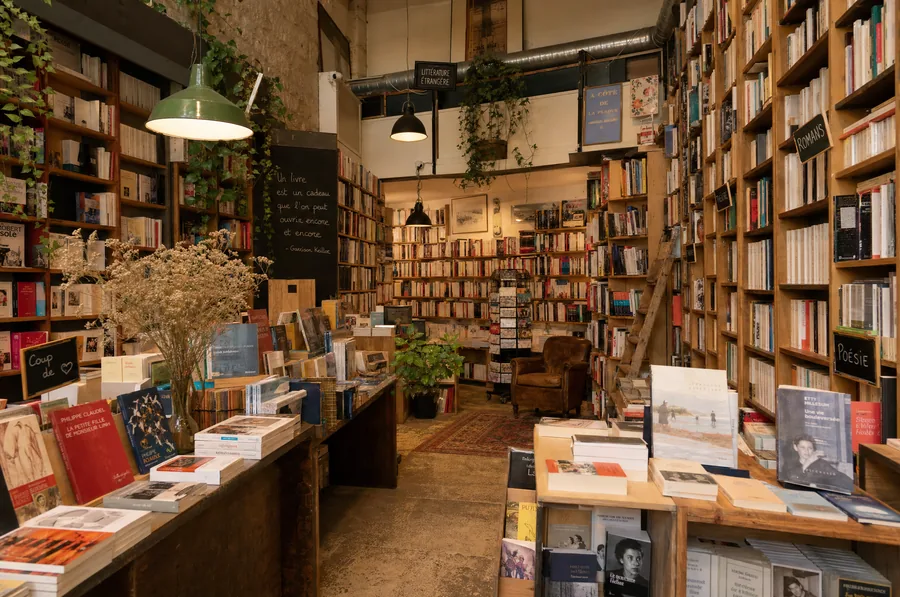 Too short"a bookshop"
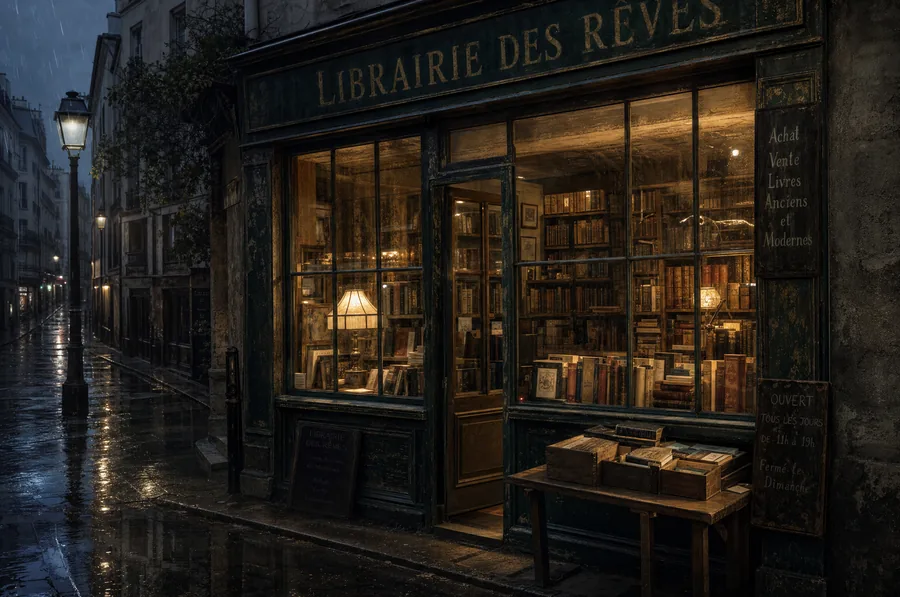 A bit better"an old bookshop on a rainy evening"
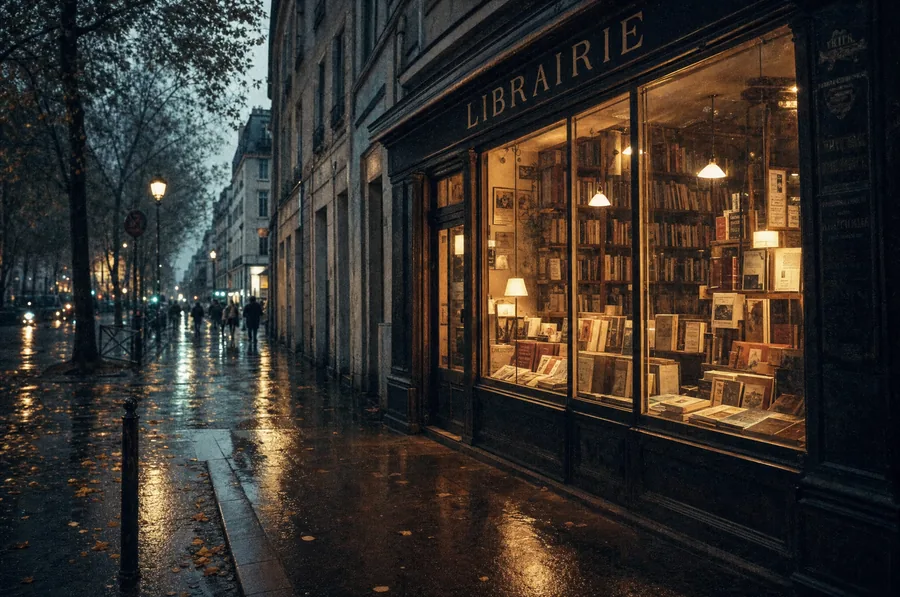 A real prompt"An old bookshop seen from the street, on a rainy evening. Wide shot, at eye level, the shop window taking up the right half. The warm light from the lamps spills through the glass and reflects on the wet pavement. Calm late-autumn mood, a few blurred passers-by in the distance, film grain."
What this shows, and what it doesn't. The first image isn't a failure: it's pretty, and that's precisely the trap. It's simply not the one you had in mind, because you hadn't said anything about what you wanted. A precise prompt doesn't make the image more beautiful, it makes it yours.
The four building blocks
The subject, precise. "A lighthouse" gives you anything. "A grey stone lighthouse, isolated on a rock, with a lit lamp" gives you something.
The framing. Close-up, wide shot, top-down view, eye-level. It's what people forget most often, and it's what structures the image.
The light. The highest-leverage lever. "Low late-afternoon light", "overcast sky, soft light", "backlighting". The same scene changes completely.
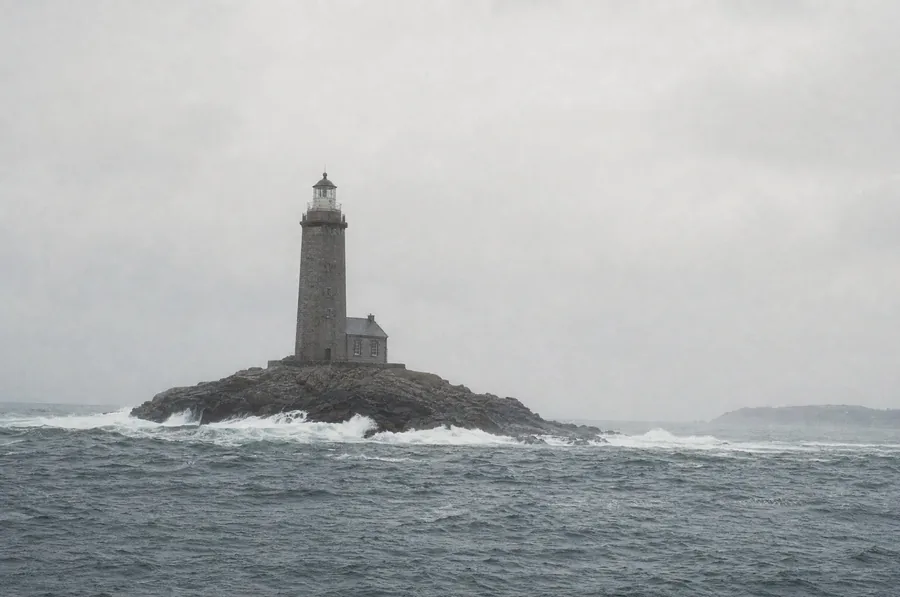 Overcast skysoft, diffuse light, no harsh shadows
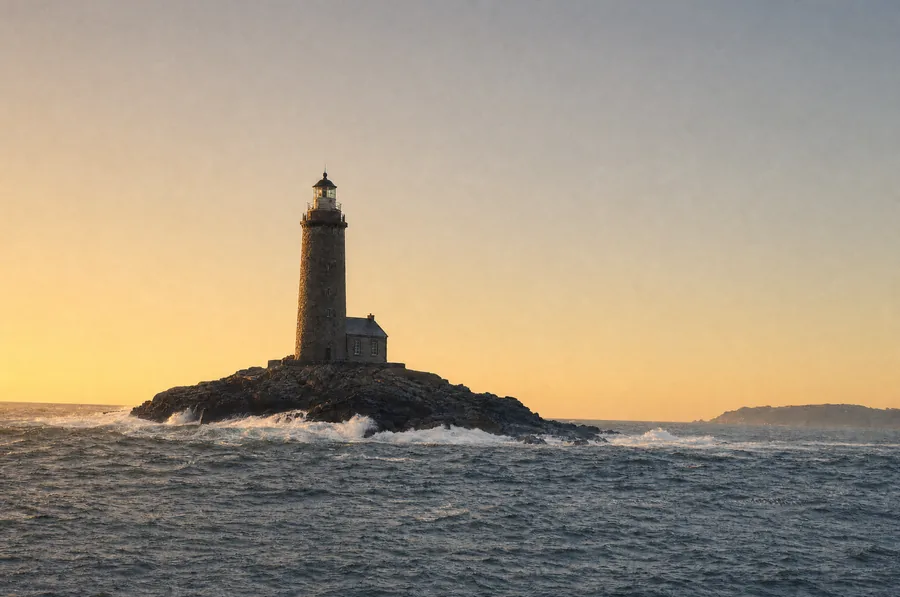 Low lightlow sun from the left, long shadows
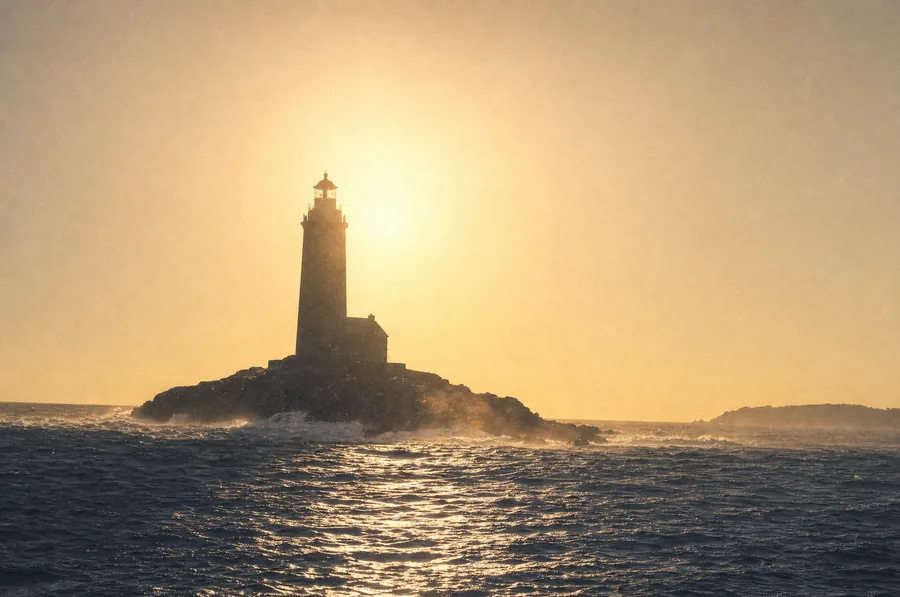 Backlightingsun behind the subject, facing the lens
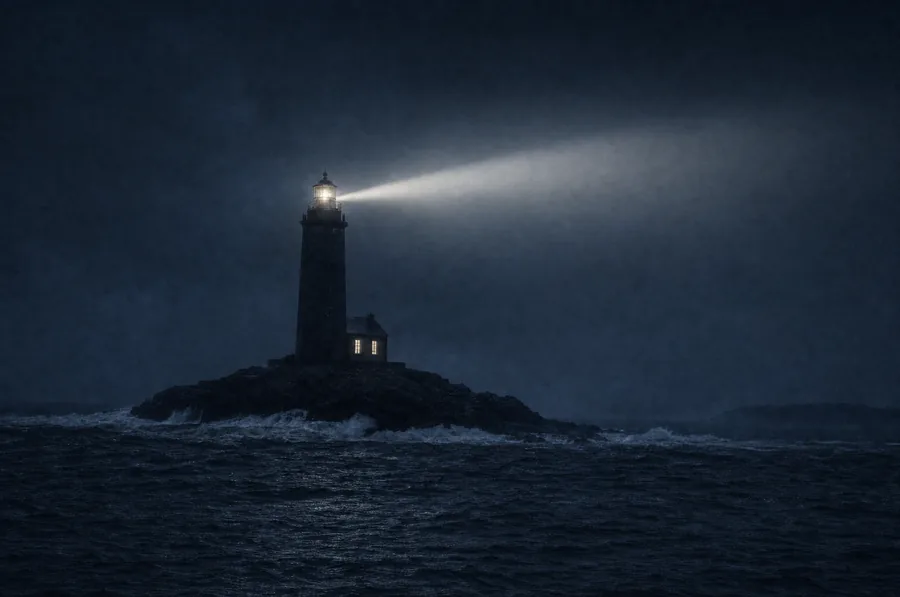 Nightlantern lit, moonlight
The style. Photography, watercolour, line drawing, editorial illustration. Without specifying, you'll get the internet's average style, usually smooth and a bit garish.
An example built up block by block
"A grey stone lighthouse on a wave-beaten rock. Wide shot, at sea level. Low late-afternoon light, heavy sky. Photography, visible grain, no retouching."
Saying what you don't want
Many tools accept a list of exclusions: no text, no people, no saturated colours. That's often more effective than adding positive details.
The aspect ratio
Choose it before generating, not after. Cropping a generated image almost always cuts off something important, because the composition was designed for the requested frame.
What to do now
Write a prompt with the four building blocks. Generate. Then change only the light line and see what it does.
Key concepts
Complete the lesson
A 4-question quiz: 3 correct answers are enough, plus an exercise to practise. It opens in the Academy, on this same lesson.
Take the quiz and complete the lesson Free. With an account, your progress is saved and leads to the course certificate.The course: Understanding and creating images
- An image born from a screen of static.8 min
- Write an image prompt that produces something.8 min
- What we are allowed to publish8 min
- What tool for what7 min