IntermediateLesson 2 of 59 min read
Write a plan like a director of photography.
A course from the Academy: Creating a video with AI, step by step
Go to the quiz ↓A video prompt is not an image prompt with a verb tacked on. It's a shooting direction, and it's written in an order that proved itself long before AI.
The five lines, in this order
- The subject: who or what, described in a few concrete words.
- What it does: one action, and only one.
- The camera: where it is, and whether it moves.
- The light: where it comes from, what time of day it is.
- The mood: the genre, the era, the texture.
Example: "An elderly woman sitting near a window. She slowly turns her head toward the outside. Close shot, static camera. Late-afternoon light coming from the left, soft backlight. Calm mood, film grain."
Compare that with "a beautiful old lady near a window, 8K, ultra realistic, masterpiece." The second request says nothing about what the camera should do, and that's precisely the one piece of information an image model never received.
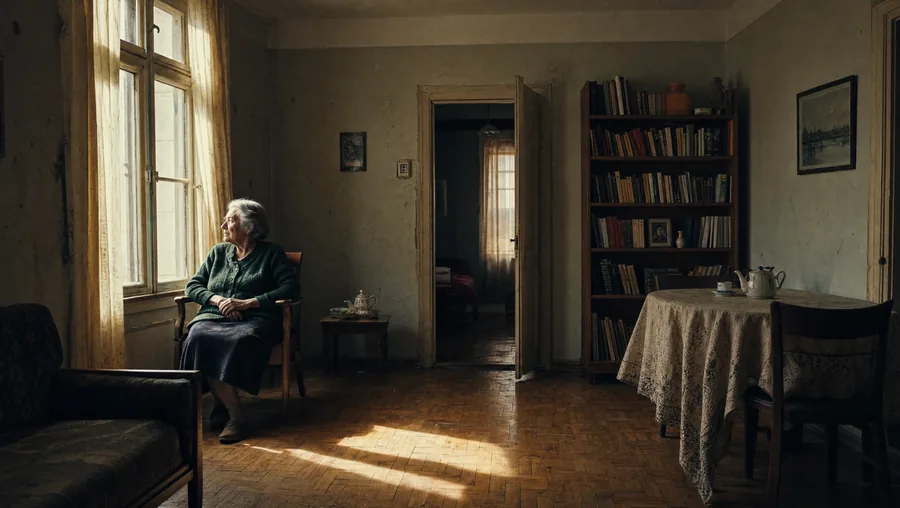 Wide shotIt sets the scene: where we are, and who's there.
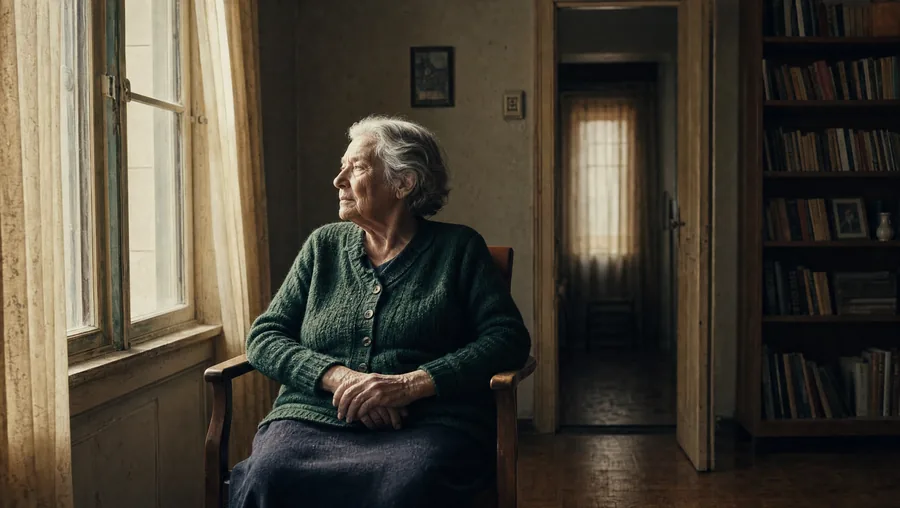 Medium shotIt tells the story: what the person is doing.
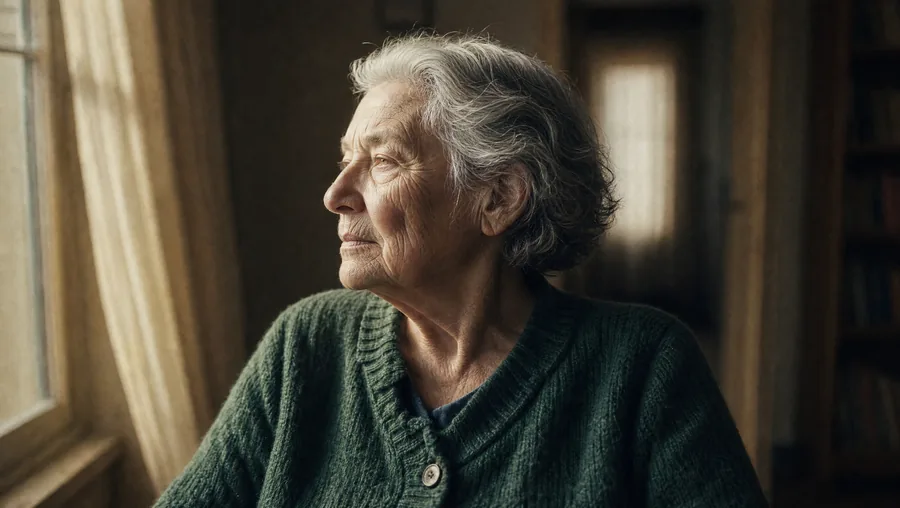 Close shotIt lets us listen: what she's feeling.
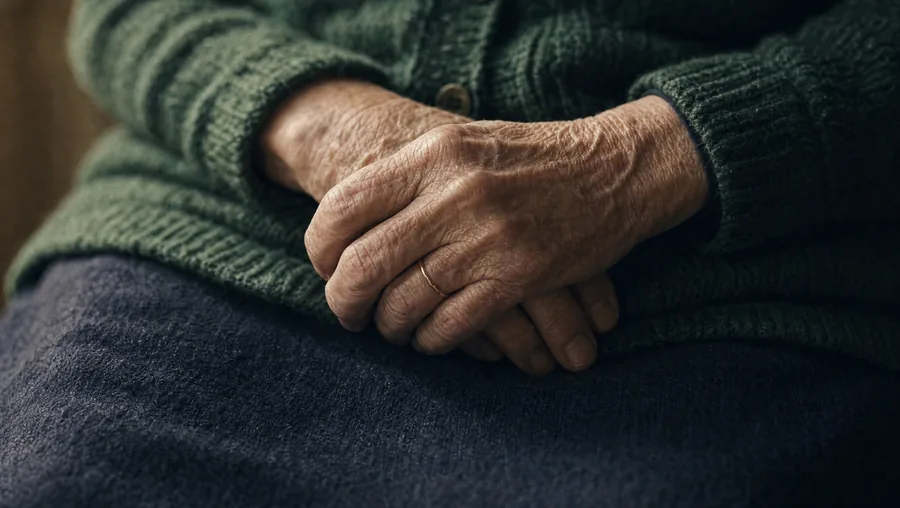 Extreme close-upIt insists: the detail that says it all.
How these four images were made: one by one, each given as a reference to the next, and three references at once for the close-up of the hands. Generated in parallel, they produced four different women.
The vocabulary that really changes the result
- The framing: wide shot, medium shot, close shot, close-up, extreme close-up. This is the most effective setting on the list.
- The height: at eye level, high angle (from above), low angle (from below).
- The movement: static camera, dolly in or out, pan (it pivots), lateral tracking (it moves sideways).
- Depth of field: "blurred background" isolates the subject, "everything sharp" gives a documentary look.
- The light: soft or hard, frontal, side, backlit.
What's useless
Stacked adjectives, "beautiful," "incredible," "ultra detailed," "8K," "award-winning." They describe nothing verifiable and take up the space of words that actually change the image. If a term doesn't correspond to a setting a cameraman could set on his tripod, it probably serves no purpose.
Two caution settings
Ask for less movement than you actually want. The tools almost always add more. "Very slight camera movement" often gives what you imagined when writing "dolly in."
One action per shot. If the subject moves AND the camera moves AND the background comes alive, the model decides on its own, and rarely the way you hoped. Two simple shots beat one overloaded shot.
Do this right now: take one shot from your list and rewrite it in five lines, in the order above. Compare the result with your first version.
Complete the lesson
A 4-question quiz: 3 correct answers are enough, plus an exercise to practise. It opens in the Academy, on this same lesson.
Take the quiz and complete the lesson Free. With an account, your progress is saved and leads to the course certificate.The course: Creating a video with AI, step by step
- What it can do, and what it still gets wrong8 min
- Write a plan like a director of photography.9 min
- Keeping the same character from one shot to the next9 min
- Why so many AI videos sound off8 min
- Publishing: formats, subtitles and credits8 min